
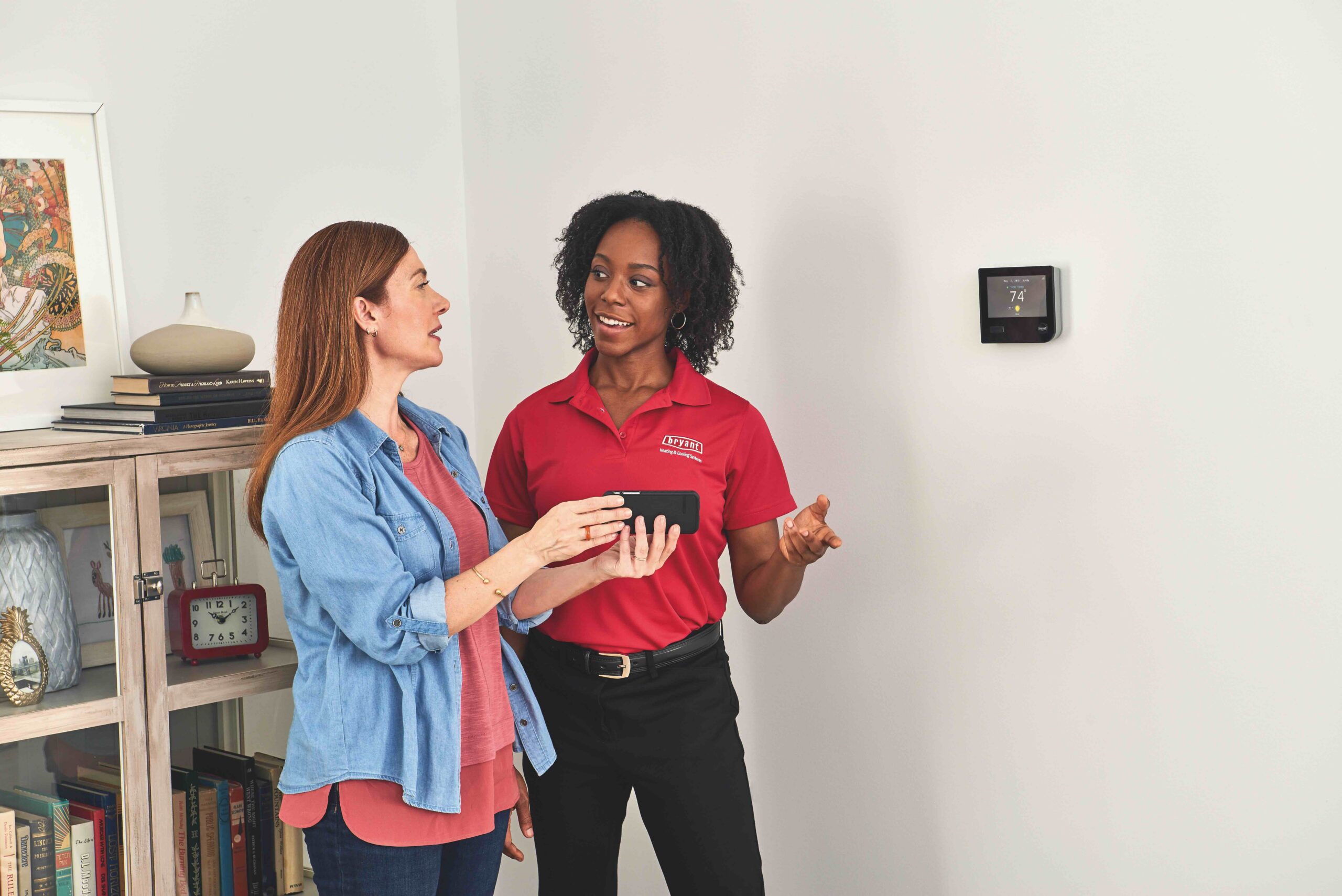
Addressing Error Codes: Bryant Evolution® Connex™System Codes Explained
Not every Bryant Evolution thermostat alert means something is broken. In fact, many of the most common alerts are what the manufacturer considers “nuisance” codes — status updates or temporary communication hiccups, not true system failures.
If you have a Bryant Evolution® Connex™ control and you ever seen a random error code pop up on your thermostat, you may be able to address it without bringing in outside help.
Let’s walk through what some of these codes mean and what you can safely do before scheduling a service call.
What are “nuisance” codes?
Your Bryant Evolution system connects to the “My Evolution” server for updates and remote functionality. Occasionally, that server connection drops — and when it does, your thermostat may throw an alert.
Here’s the key:
These codes are often communication or status messages, not mechanical failures.
They’re usually caused by:
- Firmware updates
- Server connectivity interruptions
- Electrical disturbances or storms
- Utility power fluctuations
In many cases, the system simply needs a reboot or time to reconnect.
Common Bryant Connex communication & power codes
- Code 178 – Indoor Unit Communication Fault
- What it means: The thermostat temporarily lost communication with your indoor equipment. This can also happen if the system loses connection to the My Evolution server.
- Common cause: Storms, power blips, or server interruptions.
- What you can do: Turn off both the furnace/air handler breaker and the outdoor condenser breaker for at least 5 minutes, then turn them back on.
- Code 179 – Communication Fault
- What it means: Similar to 178 — communication between system components was interrupted.
- Common cause: Often triggered during over-the-air firmware updates when the thermostat temporarily loses connection to the Bryant server.
- What you can do: If your home internet is working normally and the error doesn’t clear after a reboot, a technician may need to verify wiring connections at:
- The thermostat
- The air handler/furnace
- The outdoor unit
- Code 82-15 – Voltage Noise
- What it means: Utility power irregularities were detected. If this happens four times within one hour, your system may lock out for two hours as a protective measure.
- Common cause: Power grid fluctuations.
- What helps: If this happens frequently, ask about installing a surge protector to protect your HVAC equipment from electrical disturbances.
- Code 73 – Contactor Shorted
- What it means: There may be a shorted or stuck contactor in your outdoor unit.
- What this requires: A service visit. A technician will inspect for burnt wiring or a contactor stuck in the closed position.
Operational & sensor alerts
- Code 54 / 210 – Over Temperature Lockout
- What it means: The system detected overheating.
- Important: On very hot days, this can sometimes be caused by dirty outdoor coils — not a failed part.
- What you can do:
- Make sure your air filter is clean
- Gently clean outdoor condenser coils (if accessible)
- If the code continues, schedule service.
- Code 13 – Limit Lockout
- What it means: The furnace shut down during cold weather due to a temporary high-limit condition.
- Good news: These often reset on their own shortly after the code appears.
- Code E3 – Sensor Fault
- What it means: A sensor is reading outside its expected operating range.
- Next step: This requires a technician to diagnose further.
- Error 126 – High Heat Cycle Active. This is one of the more serious alerts.
- Possible causes:
- Incorrect gas pressure adjustment
- Faulty gas valve
- Next step: A technician will need to diagnose further.
- Possible causes:
Try these steps before calling for service
Most of these codes are merely status updates rather than actual system faults and can be easily resolved by a system reboot or by simply waiting for the connection to reestablish. If you see an alert, here’s what we recommend:
- Perform a system reboot. Turn off the HVAC breakers for 5–10 minutes, then restore power.
- Check your air filter. A dirty filter can cause overheating and airflow-related alerts.
- Consider surge protection. If you experience frequent communication or voltage-related codes, surge protection can significantly reduce nuisance errors.
- Don’t panic. If the thermostat says “System failure – contact technician,” that’s your cue to call us. But many alerts clear on their own once communication is restored.
Why this matters
We believe homeowners deserve clarity — not confusion — when it comes to their equipment. Many Evolution/Connex alerts are informational, not catastrophic. Knowing the difference can:
- Save you unnecessary service calls
- Reduce downtime
- Give you peace of mind
Technology makes systems smarter — but sometimes smarter also means a little more chatty with the notifications. And of course, if something doesn’t clear after a reboot or you’re unsure what you’re seeing, we’re always here to help.
Suggested Reading

- AC
- AC Installation
- AC Units
- AFUE
- air conditioner
- air conditioning
- air conditioning maintenance
- air conditioning service
- air conditioning tune-up
- air duct
- air duct cleaning
- air handlers
- air pollution
- Air Purification System
- air purifier
- Air Sealing
- angie's list
- award
- BBB
- BBB Accredited Business
- before and after
- Best air conditioner
- best filters
- best generator
- best water heater
- best window install
- boilers
- bryant
- Bryant AC
- bryant furnace
- bryant heat pump
- clean air
- combi-boiler
- comfort
- contractor
- contractors
- Cooling
- daikin
- deals
- discounts
- DIY
- door replacement
- Door Transformations
- doors
- drafty home
- drain cleaning
- Duct Cleaning
- Duct Cleaning Services
- ductless
- Ductless heat pump
- ductless heat pump. mini-split
- Ductless heat pumps
- ductless heating systems
- ductless installation
- Ducts
- earth day
- eco friendly
- EER
- election
- electrical inspection
- energy
- energy conservation
- energy efficiency
- energy efficiency rebates
- energy efficient home
- energy efficient hvac
- energy efficient HVAC Systems
- energy efficient windows
- energy myths
- energy saving
- energy saving home products
- energy star
- energy tax credit
- environmentally friendly
- exterior doors
- fall
- fall weather
- fiber cement
- filter
- filter change
- financing options
- fireplace
- fireplace insert
- furnace
- furnace filters
- furnace install
- furnace maintenance
- furnace mileage
- furnace problems
- furnace replacement
- furnace service
- furnaces
- gas fireplace
- Gas Fireplace Makeover
- gas furnace
- generators
- going green
- good business practices
- Guardian Maintenance Club
- heat
- heat pump
- heat pump installation
- heat pump maintenance
- heat pump vs ac
- Heat Pumps
- heat pumps maintenance
- heat wave
- Heating
- heating and cooling systems
- Heating Brands
- Heating Control
- Heating equipment
- Heating System Tuneup
- heatwave
- HEPA filter
- history
- holiday
- home
- home buyer
- home energy
- home energy efficiency
- Home energy efficiency solutions
- home exterior
- home heating
- home improvement
- home improvement repair
- home inspection
- home maintenance
- home maintenance checklist
- home performance
- home protection
- home repair
- home safety
- home upgrades
- home value
- home windows
- homeowners
- honeywell
- hot water
- hot water heater
- how to
- HVAC
- HVAC Contractor
- HVAC Contractors
- hvac system
- IAQ
- indoor air quality
- infographic
- install
- install furnace
- insulation
- intellihot
- light bulb
- light bulbs
- mailbag
- maintenance
- membership
- mini-split
- money saving
- navien
- new door installation
- new home
- New homeowner
- new windows
- news
- pacific northwest weather
- patio doors
- pets
- plumbing
- plumbing inspection
- power
- power outages
- precision tune up
- preventative
- Pro Tips
- Programmable Thermostats
- propane
- PSE Energy
- PUD
- Ratings
- rebates
- refund
- REME Halo
- remodeling hacks
- Replacing Heating System
- reputation
- Safe Home Insulation
- sale
- save energy
- Saving money
- scam
- scams
- seattle
- Seattle Weather
- SEER
- service
- services
- Smart thermostat
- smoke
- Solar Attic Fan
- solar power
- spring
- standby generators
- summer
- summer fires
- Summer heat
- Summer home
- super service 2016
- tank water heater
- Tank water heaters
- tankless tune ups
- tankless water heater
- tankless water heaters
- tax rebate
- tips
- tune-up
- upgrade
- upgrade cooling
- upgrade heating
- utility rebates
- Washington Energy
- washington energy services
- water conservation
- Water Heater
- water heater installation
- water heater maintenance
- water heater repair
- water heaters
- weather windows
- Wildfire Season
- wildfire smoke
- window
- window energy efficiency
- window install
- window maintence
- window remodel
- window repair
- window replacement
- windows
- winner
- winter
- Air Conditioning
- Air Purifiers
- Cooling
- Doors
- Ductless Heat Pump
- Environmental
- Fireplace
- Furnace
- Gas Fireplace
- Generators
- Heat Pump
- Heating
- Home improvement
- How to
- HVAC
- Indoor Air Quality
- Insulation
- News
- Plumbing
- Rebates
- Seattle
- Service near you
- Siding
- Smart Home
- Tank water heaters
- Tankless water heaters
- Tips to save money
- Uncategorized
- Wildfire Season
- Windows